
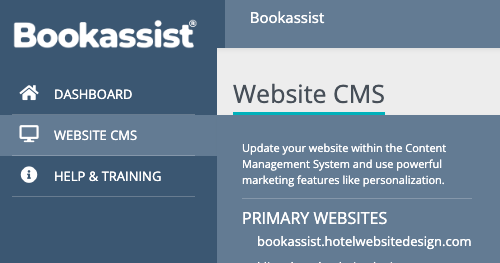
1. Log In
- Log into the Bookassist Web Platform: https://web.bookassist.com/
- Hover over the Website CMS tab and select the website you want to edit.
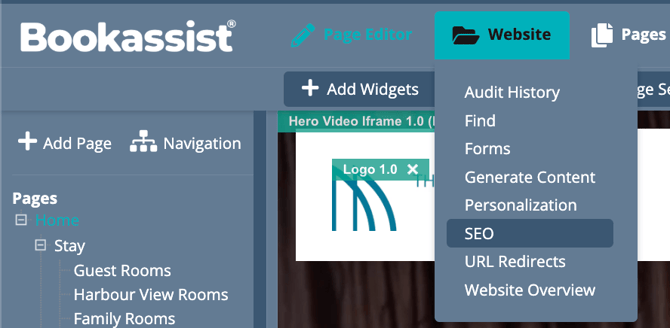
2. Navigate to Website > SEO
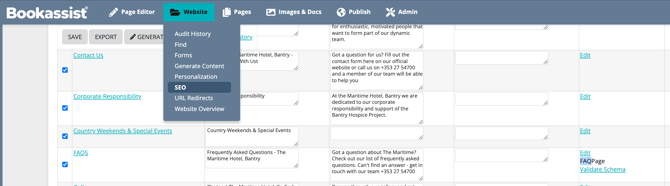
3. Edit Extra Head Markup Schema Item Types
On the right side of the table, select the Edit link of the page you wish to add the schema markup.
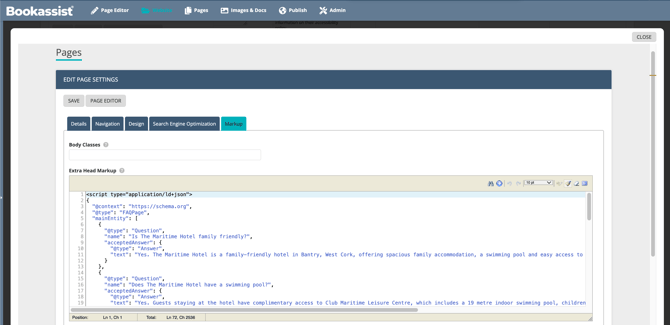
4. Edit Extra Head Markup
Add your schema markup to the field labeled Extra Head Markup, so that it will be placed right before the closing head tag. You also have the option to place your markup to before the end body tag in the field below. Mark sure to Save before you close.
If you do not have access to add schema markup please contact support@bookassist.com
5. Preview, Publish & Validate the Schema Markup.
After saving the changes, preview and publish the changes. Use the follow URL to add the page url and validate the markup has been added correctly.